Switch between brands
Access multiple workspaces from one account while each brand keeps independent strategy, assets, roadmaps, and learnings.
Content creator workflow
ATIYO gives creators a structured home for product direction, concepts, briefs, deliverables, feedback, and what worked.
7-day trial · Starter is $29.99/month afterward
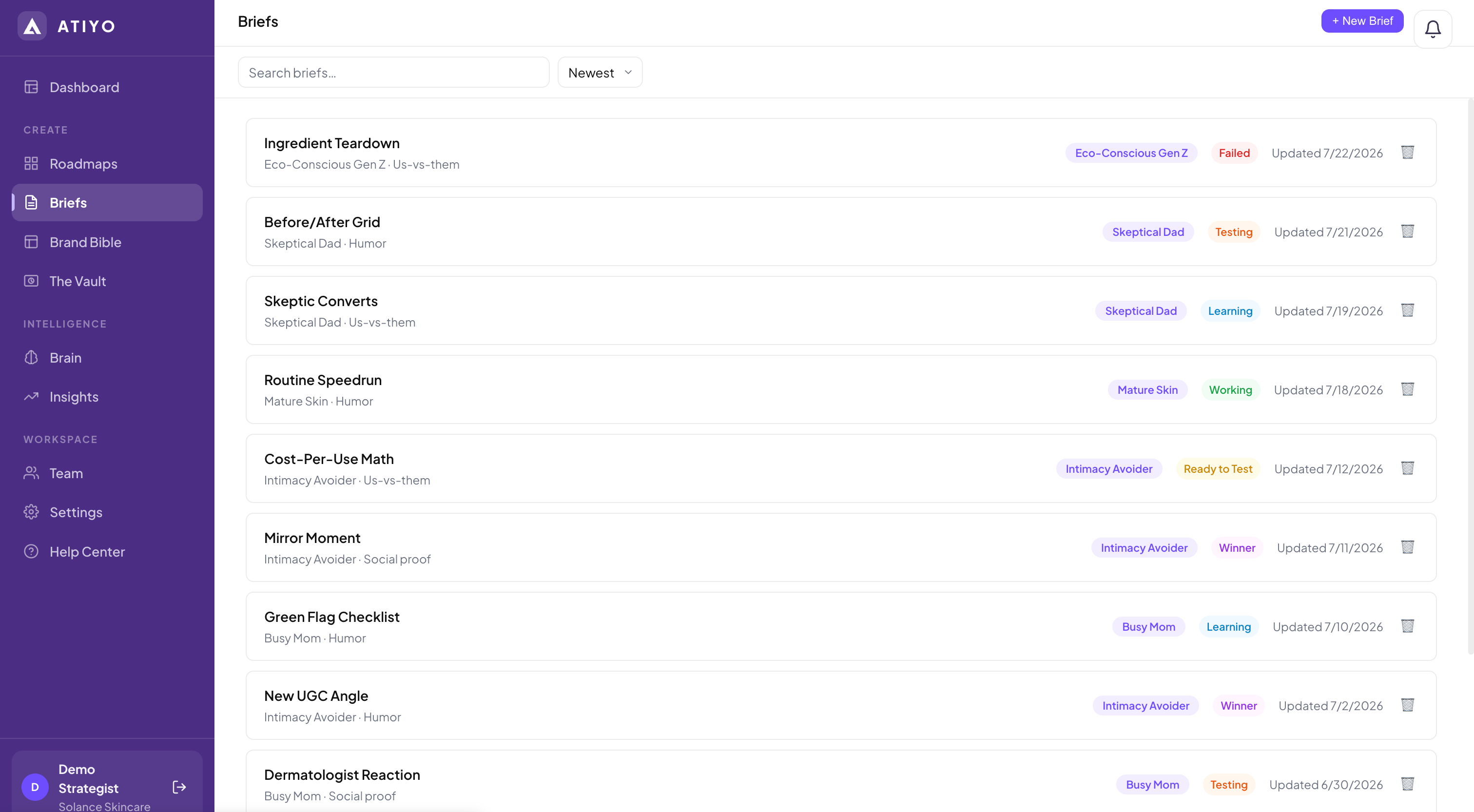
The problem
When product notes, hooks, references, deadlines, and feedback live in different apps, production slows down. ATIYO keeps each piece of creative connected to its brief, roadmap, owner, and brand context.
Access multiple workspaces from one account while each brand keeps independent strategy, assets, roadmaps, and learnings.
Use separate Creative Roadmaps for products, channels, clients, or content cycles.
Keep the audience, desire, angle, hook, format, references, and deliverable direction in one place.
Upload work to the Vault, review it with the team, and keep the conversation connected to the deliverable.
A repeatable loop
Keep every brand's context separate.
See the concepts and priorities in one view.
Work from clear strategic and deliverable inputs.
Keep the asset, comments, result, and learning together.
Who it is for
Straight answers
Yes. One account can belong to multiple workspaces. Each workspace keeps its own Brand Bible, roadmaps, briefs, Vault, and learnings.
Yes. A workspace can have multiple roadmaps, so creators can separate products, campaigns, channels, or production cycles.
No. ATIYO manages the creative strategy and production workflow; it does not publish content or buy media.
Keep exploring
Try the complete Starter workspace for seven days. Bring the team, build the roadmap, and decide from there.